Syntica now works with OpenCode
Syntica now officially supports OpenCode, the open-source coding agent for the terminal. One command connects it, and it gets the same seven skills Claude Code has: onboard, deploy, debug, connections, manage, security and pre-commit validation.
Why OpenCode
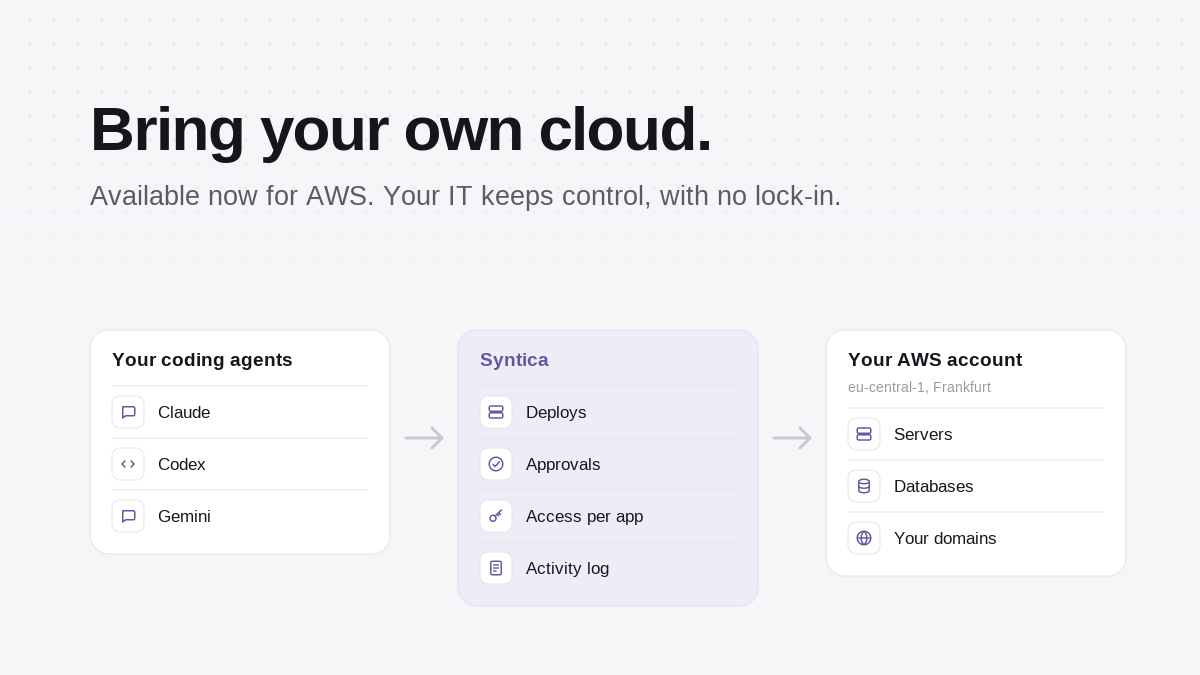
Last week we launched Bring Your Own Cloud, so your apps can run in your own AWS account and keep running if you ever leave. OpenCode brings the same idea to the tools you build with.
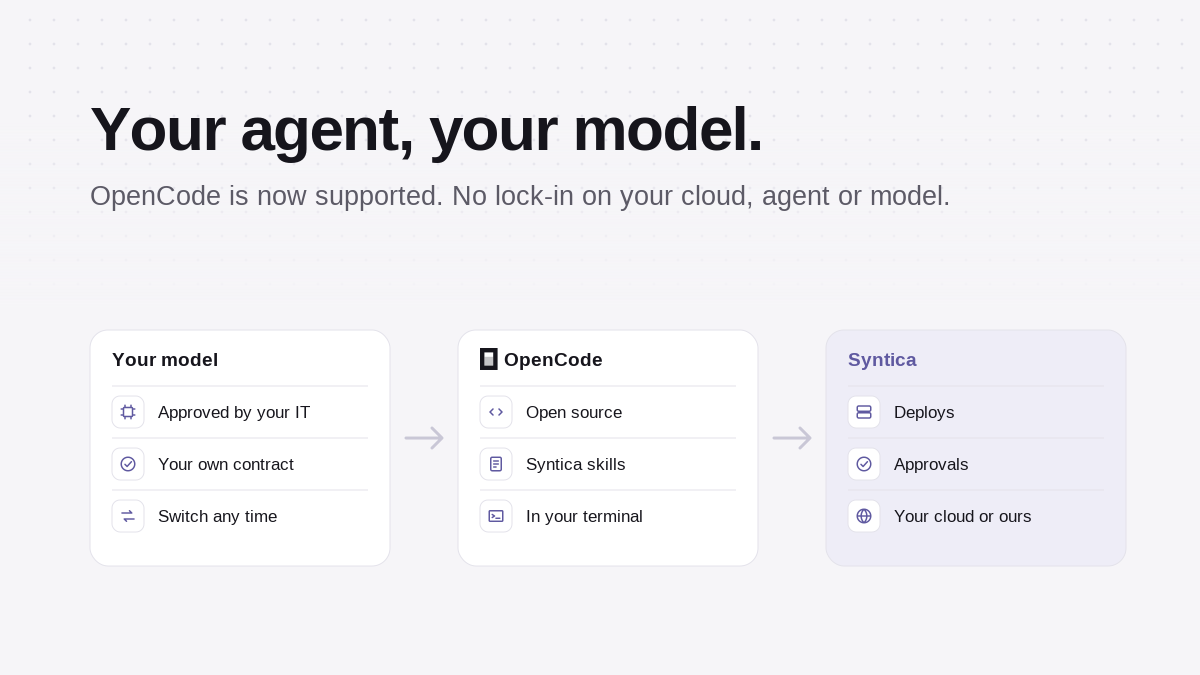
OpenCode is open source, and it works with the model provider you choose. If your company has already approved a model, your teams can build with that one. If you switch providers next year, the way you build and deploy stays the same.
So there is no lock-in on where your apps run, no lock-in on the agent, and no lock-in on the model behind it.
What it looks like in practice
Say your procurement team needs an app to onboard new suppliers: a form, a check by finance, and an approval before the supplier goes into the system. Your company has a clear AI policy. Coding agents may only use the model the company runs in its own cloud account, under its own contract.
Until now, that policy often ended the conversation. With OpenCode it does not. A developer opens OpenCode, which is already set up with the company's approved model, and asks: "build a supplier onboarding app with an approval step, and deploy it on Syntica." OpenCode sets the project up, deploys it and shares the link. With Bring Your Own Cloud, the app runs in the company's own AWS account.
The model is the one your company approved. The app runs where your IT already works. And if the policy changes next year and the company moves to another model, the developer changes one setting in OpenCode. The app, the deploys and the way the team works stay exactly the same.
What you get
Like Claude Code, OpenCode runs skills natively. That means you get the full flows, not just the tools. Ask in your own words, for example "set this project up on Syntica and deploy it", and OpenCode picks the skill it needs.
To connect it, run npx @syntica/mcp setup. It finds OpenCode on your machine, adds the Syntica server to its config and installs the skills. Restart OpenCode and you are ready. The OpenCode guide has every step.
Your agent, your choice
OpenCode joins Claude Code, Codex CLI, Gemini CLI, GitHub Copilot CLI and Cursor. Those six are the agents we support and test, each with its own guide.
Under the hood it is plain MCP, so any MCP-compatible client can connect to Syntica too. Use the tool your team already likes.